LMC 8.4 APK Download (R13 Fix 2) and Setup Guide for Android
Looking for a different version? See all LMC 8.4 releases from R8 to R18 compared.
Android 10 or higher
8.4 R13 Fix 2
138.3 MB
Photography
August 15, 2022
Hasli (third-party modder)
About this download
This website provides a mirror of the file and is not the original developer. The details below were read directly from the hosted file on 28 September 2026.
| APK name | LMC8.4_R13_Fix2.apk (standard variant) |
| Version | 8.4.300.414775575.18 (version code 64764891) |
| Developer / modder | Hasli, building on Shamim’s SGCam 8.4 |
| Package name | com.google.android.GoogleCameraEngR13F2 |
| File size | 138,322,612 bytes (138.3 MB) |
| Minimum Android | Android 10 (API 29) |
| Architecture | arm64-v8a only |
| Signature | Signed with the public Android test key, as most GCam mods are. The signature therefore cannot prove who built the file. |
| Original source | Hasli’s LMC 8.4 release listing on celsoazevedo.com (a long-running community index of Google Camera ports), release R13 Fix 2 (15 August 2022) |
| Mirror | Hosted as a GitHub release file linked from this page |
| SHA-256 | 52d11e023818acb9933885ef595ba07e0f3c448424b2223e6c4d3e4fc25563d3 |
| Date verified | 28 September 2026 |
| Virus scan | We have not published a scan report for this file. You can upload it to VirusTotal yourself and compare the SHA-256 above. |
| Tested devices | Not independently tested by our team on specific devices |
| Known limits | Standard variant only (no Snapcam, Samsung or Google Lens variant here). Newer LMC 8.4 releases, R14 to R18, exist. |
The app asks for camera, microphone, location (for photo geotags) and storage access. It also declares full file access (MANAGE_EXTERNAL_STORAGE), which it uses to read XML configs from the LMC8.4 folder. You can refuse location if you do not want geotags. Read our About page for how we source files.
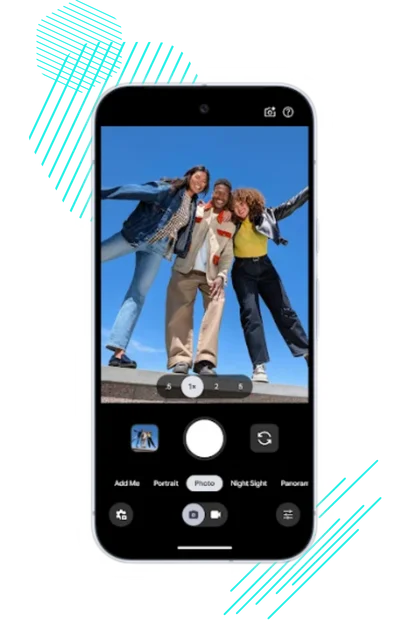
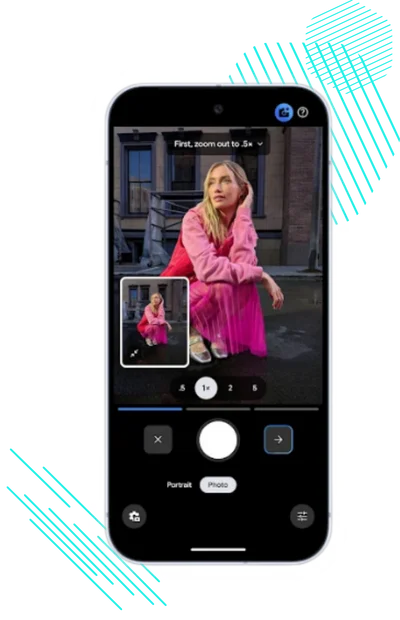
If your phone’s stock camera gives you flat colours, blown-out skies or noisy night shots, a Google Camera port can help. LMC 8.4 is one of the most widely used ports. It brings Google’s HDR+ and Night Sight processing to many non-Pixel Android phones, and it can be tuned per phone with XML config files.
It does not work on every phone, and results depend on your sensor, chipset, Android version, Camera2 API support, the APK variant and the config you load. This page covers what LMC 8.4 is, which file we host and how to check it, how to install it, how configs work, and where to go when something breaks.
The download above is the R13 Fix 2 build. Use the internal links below for the config guide, troubleshooting and choosing between releases.
What is LMC 8.4 APK?
LMC 8.4 is a modified version of Google Camera 8.4. It is for Android users who want Pixel-style processing on phones where the official Google Camera app is not available or does not work.
LMC 8.4 is a third-party port of Google Camera maintained by the modder Hasli. The release notes say it is heavily based on Shamim’s SGCam 8.4 and credit work from Arnova8G2, BSG and BigKaka. It is not made or endorsed by Google, and this website is an independent guide: we are not the developer and are not affiliated with Hasli or Google.
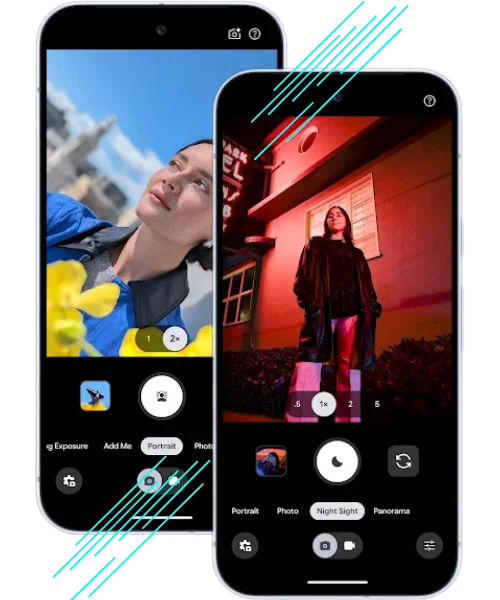
It adds HDR+, Night Sight, Astrophotography, Portrait mode and extra processing controls (the “patcher”) on phones whose own camera app lacks them. Which features work depends on your hardware.
It is free and does not need root. Basic use is simple, but getting the best results usually means loading an XML config made for your phone.
What Changed in R13 Fix 2 (the Build We Host)
These are the changes listed in the developer’s release notes for R13. For later releases, see the R18 guide.
- Fix 2: ISO100, Max.Time and Max.ISO options in shutter speed selection
- Fix 2: six new stream sessions
- Fix 2: compatibility fixes, including the Xiaomi 12 Ultra
- Fix 1: corrected the “Auto” lens logic that broke shutter speed selection
LMC 8.4 Variants and Package Names
Each variant is the same camera with a different Android package name. That lets you install several side by side. On some phones the manufacturer only exposes the ultrawide, telephoto or macro camera to particular package names, so a variant such as Snapcam, Aweme or Ruler/Samsung can see lenses that the standard build cannot. Which variant works is device-specific: start with the standard build, then try the others if a lens is missing. The table lists the four R13 Fix 2 variants published by the developer; only the standard one is hosted here.
| R13 Fix 2 file | Package name |
|---|---|
LMC8.4_R13_Fix2.apk | com.google.android.GoogleCameraEngR13F2 |
LMC8.4_R13_Fix2_Snapcam.apk | org.codeaurora.snapcam |
LMC8.4_R13_Fix2_Samsung.apk | com.samsung.android.ruler |
LMC8.4_R13_Fix2_GoogleLens.apk | com.google.android.GoogleCameraEng |
Main Features of LMC 8.4
Most of LMC 8.4’s benefit comes from Google’s multi-frame processing. The gain over your stock camera is usually largest on mid-range phones and in difficult light, and smallest on recent flagships whose own processing is already strong.
The main features are:
HDR+ Enhanced
HDR+ Enhanced captures a burst of frames and merges them, keeping detail in both bright and dark areas. It helps most with bright skies, backlit subjects and indoor scenes with windows.

Super Res Zoom
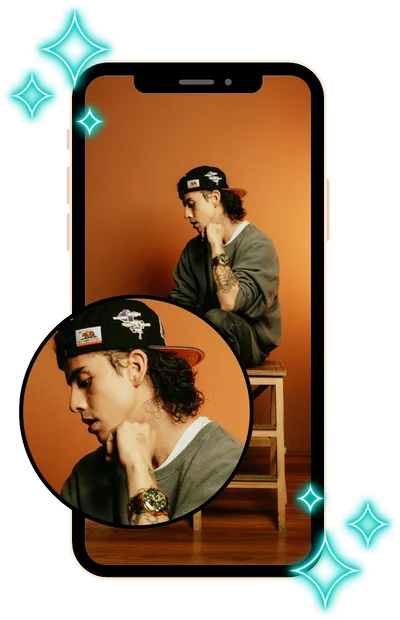
You can zoom in without making your photo look blurry. This smart zoom feature keeps edges sharp and preserves small details, which makes your zoomed-in shots look clean and natural.
Astrophotography Mode
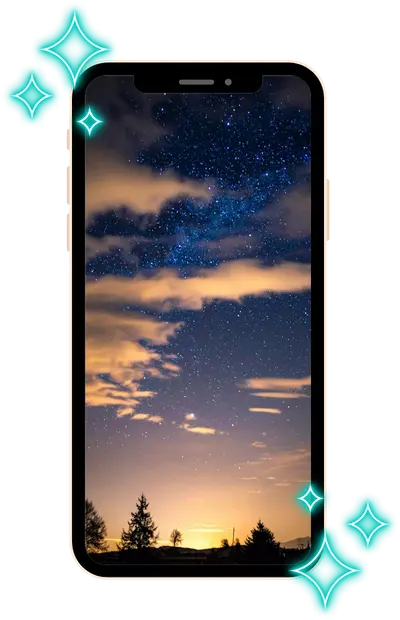
Put your phone on a tripod or steady surface in Night Sight and it switches to long multi-frame exposures. It needs a dark sky and several minutes; light pollution and phone sensor size limit what you can capture.

Portrait with Edge Detection
Portrait mode estimates depth and blurs the background. Edge accuracy varies by phone; hair and glasses are the usual problem areas.
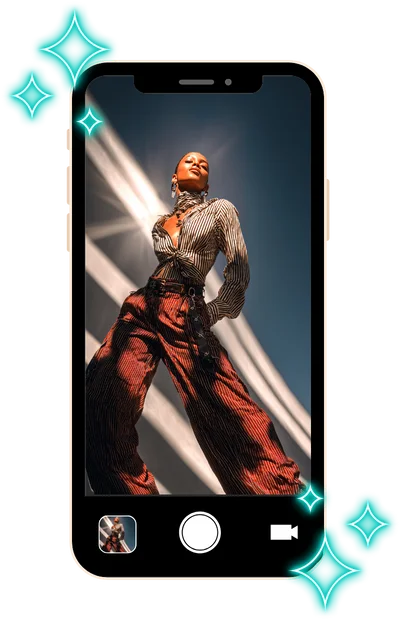
Manual Controls (ISO, Focus, Exposure)
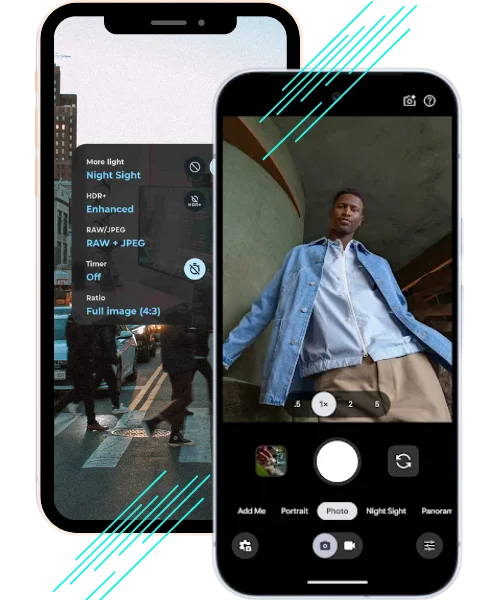
LMC 8.4 is mostly an automatic camera, but it gives you more control than stock Google Camera: an exposure slider, shutter speed selection (R13 Fix 2 added ISO100, Max.Time and Max.ISO options), manual focus in supported modes, and processing controls in the patcher.
4K and 60FPS Video
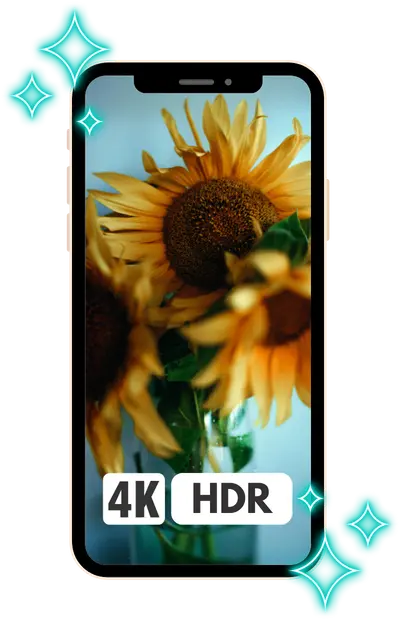
You can record 4K video, and 4K at 60 fps where your phone’s camera supports it. Many mid-range phones only allow 4K at 30 fps, or no 4K at all, through third-party apps.
Slow Motion & Time-lapse
You can make creative videos using slow motion and time-lapse. Slow motion slows down fast moments, while timelapse speeds up scenes like sunsets or busy streets, both with just a tap.

Face Retouching, Beauty Modes
Face retouching smooths skin in portraits and selfies. If you prefer natural texture, turn it off in the settings.
Night Sight + Tripod Mode
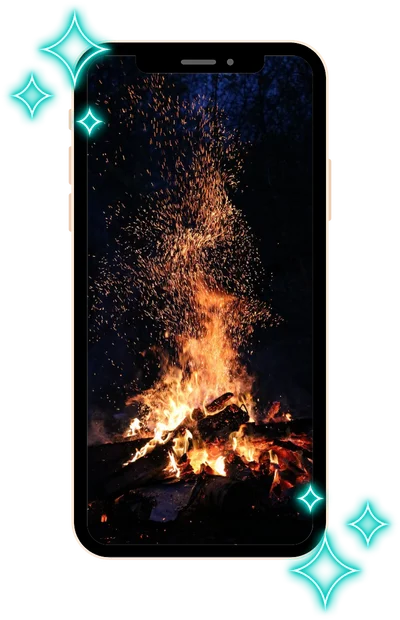
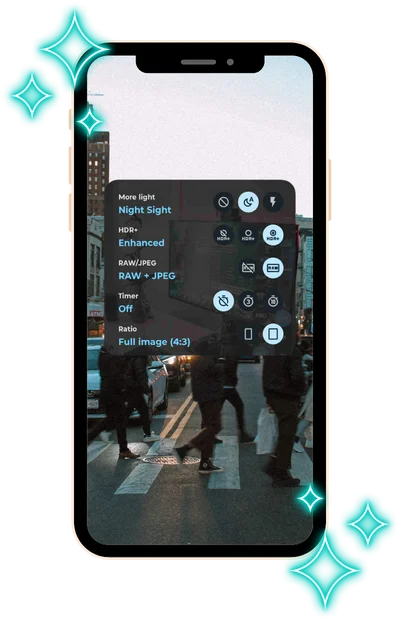
Night Sight merges many frames to brighten dark scenes and reduce noise. On a tripod or a stable surface it can use longer frames. Hold still until processing finishes, or the shot may come out blurred.

Config File Support (XML)
XML config files are settings profiles shared by other users for specific phones. Loading one applies all the settings at once, including lens IDs, colour and noise tuning.
To get the best camera performance on your device, use a compatible config file for LMC 8.4 APK that applies optimized settings automatically.
RAW/DNG Image Capture
RAW (DNG) files keep more sensor data, which helps if you edit in apps like Lightroom or Snapseed.

Built-in Anti-Banding, Denoising
You will get cleaner photos with fewer flickers or noise. Anti-banding removes lines caused by artificial lights, while denoising helps to make low-light pictures look smoother and less grainy.
No Ads, No Root Required
LMC 8.4 has no ads and does not need root. Because it is not on Google Play, you install it by sideloading the APK. Read the download details above before you do.
Devices Commonly Reported to Work
LMC 8.4 needs Android 10 or newer, a 64-bit ARM processor and Camera2 API support. The table lists models that GCam users commonly report as working. These models have not been independently tested by our team. Support often differs between regional versions of the same phone (for example Snapdragon and Exynos Samsung models), and auxiliary lenses may need a specific variant or XML config.
|
Brand |
Compatible Models |
|---|---|
|
Google Pixel |
Pixel 2, 3, 4, 4a, 5, 6, 6a, 7, 7a, Pixel 8 Series |
|
Samsung |
Galaxy S9, S10, S20, S21, S22, Note 9, Note 10, Note 20, A52, A72, M51 |
|
Xiaomi |
Mi 10, Mi 11, Mi 11 Lite, Redmi Note 8, 9, 10, 11, Poco X3, Poco F1, Poco F3, Poco X5 |
|
Realme |
Realme 7, 8, 9, X2 Pro, GT Master, GT Neo, Narzo Series |
|
OnePlus |
OnePlus 6, 6T, 7, 7T, 8, 8T, 9R, 10R, Nord, Nord CE |
|
Vivo |
Vivo V20, V21, V23, X60, X70 Pro |
|
Oppo |
Oppo Reno 5, Reno 6, Reno 8, F17 Pro, F19 Pro |
|
Motorola |
Moto G Power, G Stylus, Edge 20, Edge 30, Moto One Fusion |
|
Infinix |
Infinix Note 10 Pro, Zero X, Zero 5G |
|
Tecno |
Tecno Camon 17, 18, 19 Series |
Your phone not listed? It may still work. Check that it has Android 10 or newer and a 64-bit processor, try the standard build, then a config for your model. The troubleshooting guide covers the usual failures.
Which LMC 8.4 Variant Should You Use?
LMC 8.4 has one developer (Hasli) but several variants per release. BSG (MGC) and Shamim (SGCam) are separate GCam ports by other developers, not LMC variants, although LMC credits their work. For R13 Fix 2 the developer published these four variants:
Standard build (GoogleCameraEngR13F2)
Try this first. It uses its own package name, so it installs next to your stock camera and any other GCam. This is the file we host.
Snapcam variant
Uses the org.codeaurora.snapcam package name. On some Xiaomi, Redmi, POCO and Realme phones this name gets access to auxiliary lenses that the standard build cannot see. It will replace any other app with the same package name.
Samsung (Ruler) variant
Uses the com.samsung.android.ruler package name, which some Samsung phones allow to use more lenses. Try it on Samsung devices if the standard build shows only the main camera.
Google Lens variant
Uses the com.google.android.GoogleCameraEng package name, the one Google Lens integration expects. Pick it if Lens matters to you. It may conflict with other GCam builds that use the same name.
Steps to Install LMC 8.4 APK on Android
Installing LMC 8.4 does not need root. Follow the steps in order:
Step 1: Enable Unknown Sources
Before you can install any APK, you must allow your phone to install apps from outside the Play Store.
Go to: Settings → Security → Install unknown apps → Choose your browser or file manager → Enable “Allow from this source.”
This step gives your phone permission to install the LMC 8.4 APK download.
Step 2: Download the Right LMC 8.4 Mod
Use the download button at the top of this page (R13 Fix 2 standard build), or get another release or variant from the developer’s release listing. Before installing, check the file name, size and SHA-256 against the details above.
Step 3: Install the APK File
Once the download finishes, open your file manager and tap on the APK file.
Tap Install and wait for it to finish. If Android says “App not installed”, the usual causes are a 32-bit-only phone, Android older than 10, a partial download, or another app already installed with the same package name but a different signature.
Step 4: Load the XML Config File
For better results, you can use an XML config file that is made for your phone model.
Create a folder named LMC8.4 in the root of internal storage, so the path is /LMC8.4/, and copy the .xml file into it.
Open the app, double-tap near the shutter button, and select the config to apply pre-tuned camera settings.
Step 5: Start Using the App
After the install and config, you are all set. Open LMC 8.4, test out the camera modes, and take a few shots. If something does not look right, then you can switch mods or try a different config file.
How to Set LMC 8.4 As Your Default Camera App?
Setting LMC 8.4 as your default camera makes the camera shortcut on your lock screen or power button open it. Not every phone allows this. Where it does:
How to Use LMC 8.4 APK Like a Pro?
The default settings give reasonable results on many phones, but a few adjustments make a clear difference.
If you want deeper guidance and practical optimization methods, explore our complete tips and tricks for LMC 8.4 APK to improve photo quality and camera performance.

Basic Setup for First Use
After opening the app for the first time, you might see a standard camera screen. To get better results, start by loading a config (XML) file made for your phone. Just double-tap near the shutter button, select the XML you placed in the LMC folder, and it will auto-adjust settings like colors, sharpness, and processing for your device.
Then open the settings and check that HDR+ and the video options you need are enabled. A config for your phone normally sets these for you.

Switching to Night Sight
Keep still until processing finishes.

Adjusting Manual Settings
LMC 8.4 does not have a full “Pro mode” like some stock cameras. You can use the exposure slider in the viewfinder, pick a shutter speed in modes that offer it, and tap to focus. Menu names vary between releases; look in the settings for shutter speed and focus options.
ISO sets sensor sensitivity. Lower is cleaner in daylight; higher brightens dark scenes but adds noise.
Focus lets you adjust sharpness, as useful for close-ups.
Shutter speed is how long each frame is exposed. Longer is brighter, but blurs with movement. Exposure compensation shifts overall brightness up or down.
You can test these settings on a subject like a flower or your hand and adjust slowly to see what works best.

Using Astrophotography Mode
Astrophotography is part of Night Sight.
In Night Sight, astrophotography starts automatically when the phone is completely still. In some releases there is a setting to enable or force it; menu names vary by release and config.
Open Night Sight, place the phone on a tripod or stable surface and wait a few seconds. When it detects that the phone is steady it switches to long exposure; the capture can take up to a few minutes.

Capturing 4K Videos
To shoot in 4K, open the video mode, then go to Settings > Video Resolution and select 4K (30FPS or 60FPS) depending on your phone’s support.

Switching Lenses (if supported)
If your phone has more than one camera like ultra-wide or telephoto, then you can switch lenses by tapping the small lens icons on the viewfinder or using the zoom slider.
For example:
0.6x = Ultra Wide
1x = Main Lens
2x or 3x = Telephoto
Some phones may require a config file to make all lenses work properly, so make sure to load one designed for your device.
Using Front Camera Fix
On some phones, the front camera may look dark or overexposed at first. If this happens:
Check the settings for a front camera fix or a separate front-camera tuning section; the exact name depends on the release. Loading a config made for your phone usually sets these correctly.
If there is no such option, try a different config or the Samsung/Snapcam variant.
Is LMC 8.4 Worth Installing?
It is worth trying if your phone is supported and your stock camera struggles with dynamic range or low light. The main costs are sideloading an unofficial app, some trial and error with variants and configs, and slower processing than a stock camera. The newest LMC 8.4 release in the developer’s listing is R18 (June 2023); Hasli has since published newer LMC versions based on later Google Camera releases.