Tips and Tricks to Get the Best Results Using LMC 8.4 APK
The quickest wins with LMC 8.4 are: load a config made for your phone, keep the phone still until processing finishes, lower exposure slightly in bright or night scenes, and use Night Sight only for still subjects. The tips below explain these and a few LMC-specific habits that save time.
LMC 8.4 is a Google Camera 8.4 port by the modder Hasli. Most of these tips also apply to other GCam ports.
Menu names vary between releases; the tips describe what to look for.
Note: the build we host is R13 Fix 2; see the LMC 8.4 download and setup guide for its file details. If you use a config, make sure it was made for your release.
Understanding LMC 8.4 and Its Capabilities
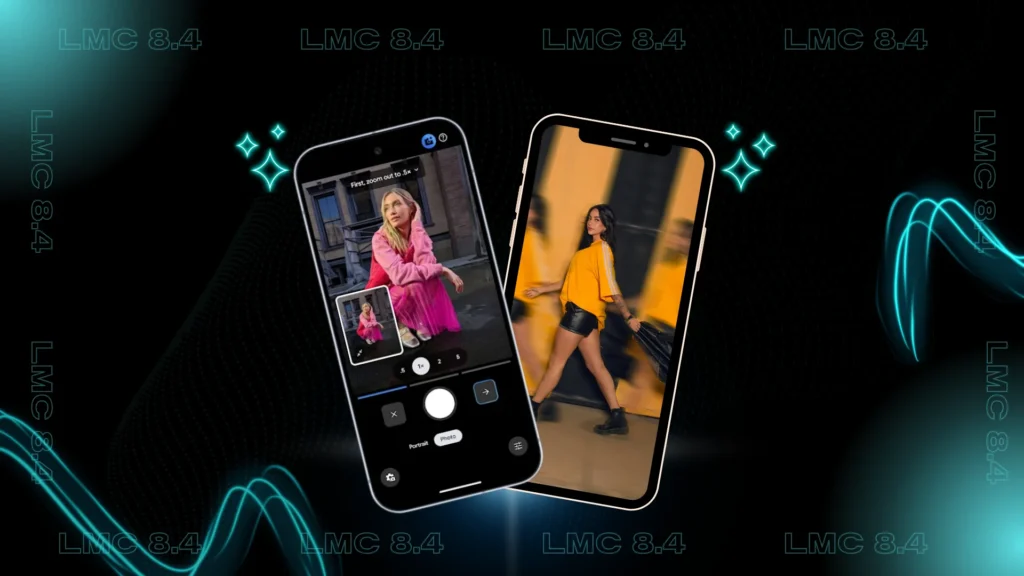
LMC 8.4 is mainly an automatic camera. Its strength is Google’s multi-frame processing (HDR+, Night Sight), plus a patcher and per-lens settings that configs use to tune it for each phone.
Because the result depends so much on settings, the same scene can look very different with two configs. Treat the config as the first thing to get right.
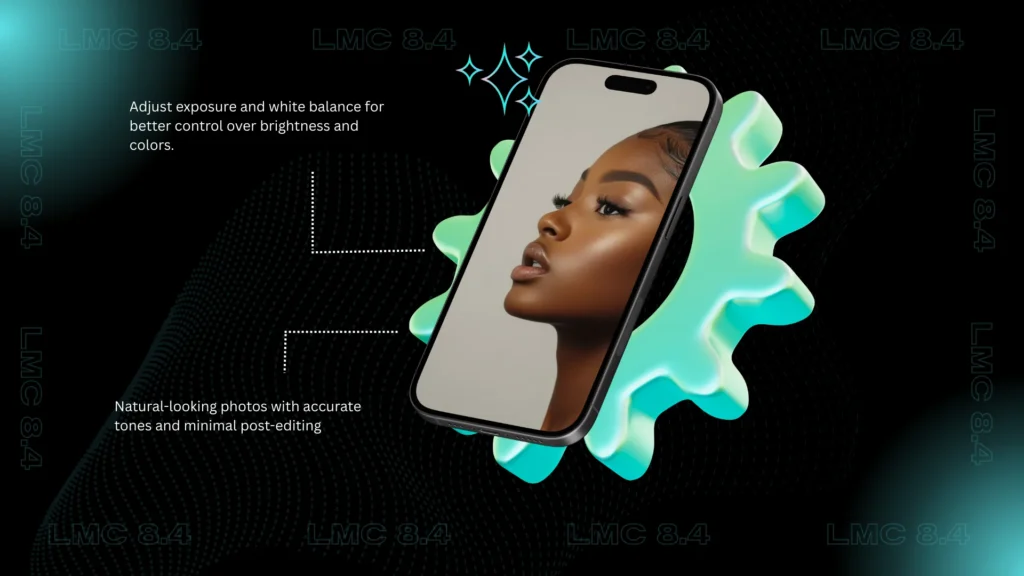
Adjust Exposure and White Balance for Natural Results
The exposure slider in the viewfinder is the most useful manual control in LMC 8.4. In R18 it runs the full height of the left side of the screen.
Key benefits of adjusting these settings include:
For white balance, LMC 8.4 lets you choose the AWB model in the settings. If indoor shots have a green or pink cast, try a different model before touching colour settings.
Explore Shooting Modes for Different Scenarios
The LMC 8.4 app includes versatile shooting modes designed for different photography situations. Switching between modes helps the camera adapt its image processing based on the environment.
Examples include:
Use HDR+ (photo mode) for moving subjects and Night Sight for still scenes in dim light; Night Sight uses longer frames that blur movement.
Master Camera Focus for Sharper Images
Although smartphone cameras use automatic focus, manually setting camera focus can significantly improve image clarity. By tapping on the subject area, you tell LMC 8.4 APK exactly where to focus.
This technique is especially useful for:
Use Gridlines to Improve Composition
Composition plays a major role in capturing eye-catching images. Enabling gridlines in the LMC 8.4 app helps apply the rule of thirds and improve photo balance.
Gridlines help with:
Even basic smartphone photography benefits from this simple adjustment.
Keep Your Phone Stable for Better Image Quality
LMC 8.4 captures several frames for each photo, so moving during capture, or right after tapping the shutter, causes blur. Keep still until the processing indicator finishes.
Helpful stability tips include:
Take Advantage of Natural Light
Good light helps any camera. Shooting in daylight gives the processing more signal, which means less noise and more accurate colour.
Whenever possible, avoid harsh artificial lighting and make use of soft, natural light for portraits, objects, and outdoor scenes.
Use LMC 8.4 Config Files for Enhanced Performance
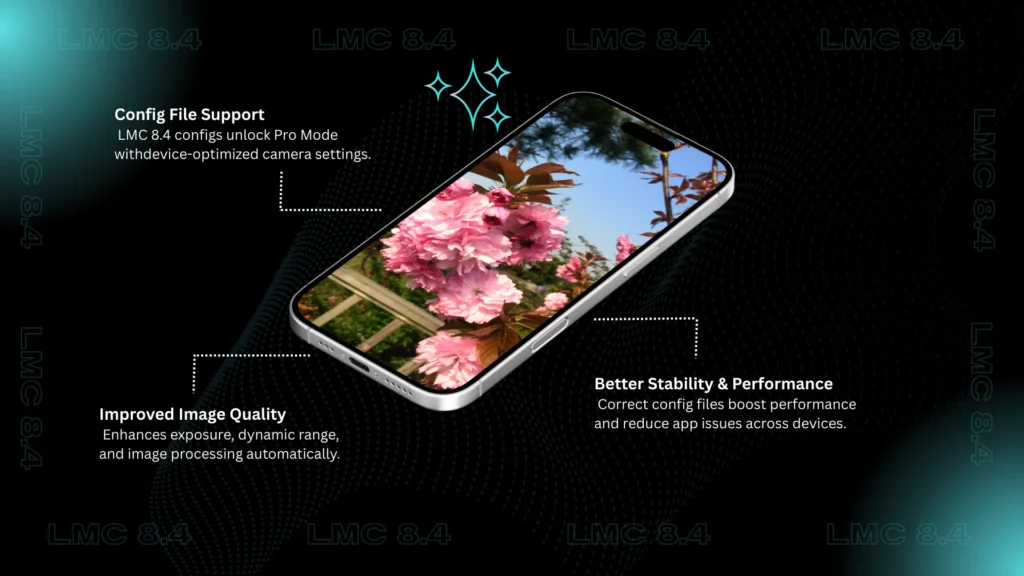
Config files are XML exports of LMC settings, made by users for specific phones. They do not unlock a hidden Pro mode; they set processing, colour, noise and lens IDs to suit a particular sensor.
Benefits of using config files include:
The right config can make a large difference; the wrong one can cause crashes or colour casts. Export your current settings before importing a new one.
Using the right config file for LMC 8.4 APK allows you to apply optimized camera settings instantly, improving exposure, color balance, and low-light performance.
LMC-Specific Habits That Save Time
- Export your settings once they look right. Double-tap the dark area beside the shutter button to open the config dialog and export. If a later change breaks something, you can restore in seconds.
- Test each lens separately. LMC 8.4 keeps settings per lens, so a config can be good on the main camera and wrong on the ultrawide or front camera.
- Lower the HDR frame count if processing is slow. Fewer frames means faster shots with slightly more noise.
- Keep your stock camera for video. Third-party apps often cannot use all of a phone’s video modes and stabilisation.
- Try another variant before giving up on a lens. Snapcam, Aweme or Ruler/Samsung variants can reveal lenses the standard build cannot see.
- Save RAW for difficult scenes. DNG files give more room to fix exposure and white balance later.
Keep the App Maintained
LMC 8.4 is no longer updated: R18 (June 2023) is the last release. “Updating” means choosing a later release such as R17 or R18, which may need a config made for that release.
Checking permissions, clearing cache and data, and verifying device compatibility also improve reliability.
Troubleshooting Common LMC 8.4 Issues
If you experience app crashes or camera malfunctions, simple troubleshooting steps often resolve them:
These steps help maintain consistent performance and uninterrupted smartphone photography.
Final Thoughts
Most gains with LMC 8.4 come from three things: the right config, a steady phone and sensible exposure.
Change one thing at a time, compare with a test shot, and export your settings when you are happy. For deeper settings, see hidden features in LMC 8.4.