Which LMC 8.4 Version Is Best? (Complete 2026 Guide – R17 vs R18, Snapdragon vs MediaTek)
For most phones, start with LMC 8.4 R17 if you want stability, or R18 if R17 works and you want the newer interface. The right release still depends on your processor, Android version and camera sensor, so the aim of this guide is to help you choose what to try first and how to test it.
In this complete guide, you’ll learn:
By the end, you’ll clearly know which LMC 8.4 is best for your device.
If you are new to this camera app, you should first check our complete LMC 8.4 APK guide to understand its features and benefits.
What Is LMC 8.4?
LMC 8.4 is a modified version of Google Camera 8.4 by the modder Hasli. Its main features are:
It uses Google’s image processing, which on many phones improves:
However, because it’s a mod, different versions are released to improve compatibility and performance.
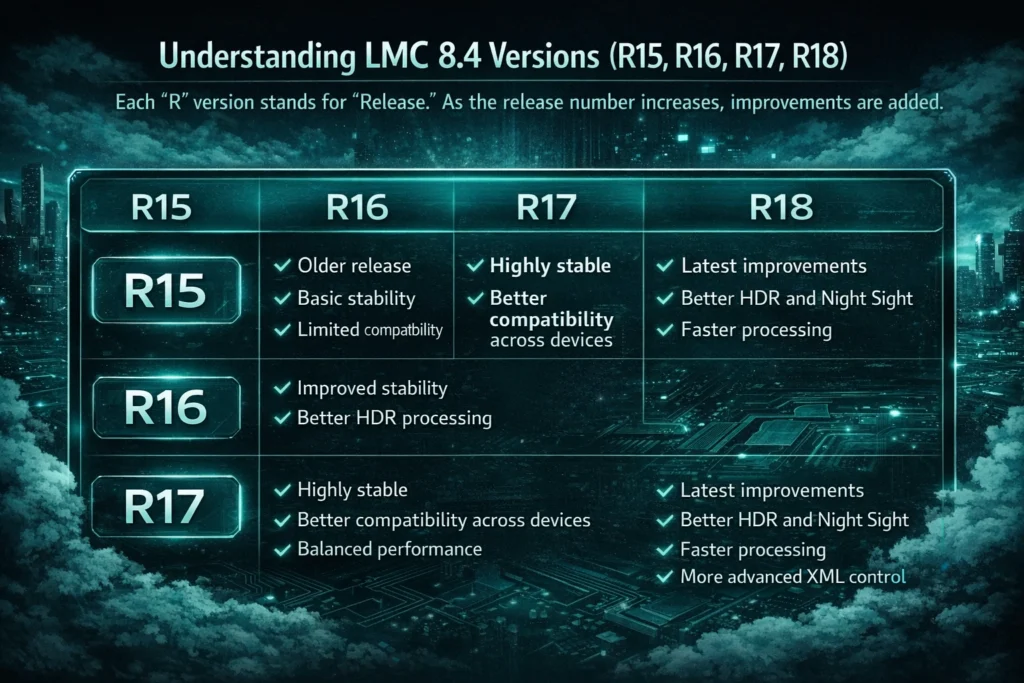
Understanding LMC 8.4 Versions (R15, R16, R17, R18)
Each “R” number is a release. The dates below are from the developer’s release listing:
R15
R16
R17
R18
Now the real question:
👉 Which LMC 8.4 is best – R17 or R18?
Let’s compare them in detail.
R17 vs R18 – Full Comparison
LMC 8.4 R17 Overview
R17 is widely regarded as one of the most stable LMC 8.4 releases. The points below reflect common user reports, not our own device tests.
Advantages of R17
Disadvantages of R17
Best For:
Go to our LMC 8.4 R17 guide to learn more about this version.
LMC 8.4 R18 Overview
R18 is the newest LMC 8.4 release. According to the release notes it is mainly an interface update, so any image differences from R17 are small and phone-dependent.
Advantages of R18
Disadvantages of R18
Best For:
Quick Comparison Table
| R17 | R18 | |
|---|---|---|
| Release date | 3 May 2023 | 14 June 2023 |
| Main changes | New patcher options (LDR Lite Highlight, Sabre NR, Radius Gain) | Interface update (exposure slider, popup menus, custom noise/WB models) |
| Reported stability | Widely reported as stable | Mostly stable; some reports of issues on MediaTek phones |
| Variants | 5 (standard, Snapcam, Aweme, Scan3D, Google Lens) | 6 (adds Iris) |
| Configs | R16+ configs | R16+ configs, earlier ones usually work |
The stability rows are based on common community reports. They have not been independently tested by our team.
Snapdragon vs MediaTek – Which LMC 8.4 Is Best?
Your processor plays a huge role in deciding which LMC 8.4 version is best.
Best LMC 8.4 for Snapdragon Devices
If your phone has:
Then:
👉 Try LMC 8.4 R18 first, with R17 as the fallback.
Why?
If R18 crashes, then R17 is your fallback option.
Best LMC 8.4 for MediaTek Devices
If your phone has:
Then:
👉 LMC 8.4 R17 is usually safer and more stable.
Why?
For MediaTek users, stability usually matters more than R18’s interface changes.
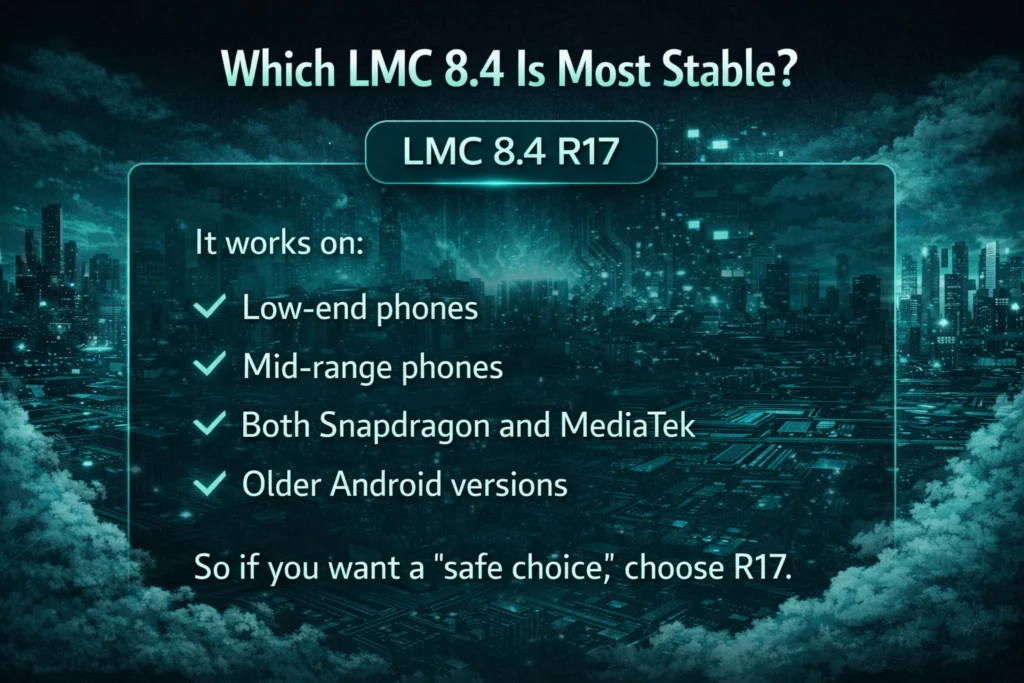
Which LMC 8.4 Is Most Stable?
If we talk about overall stability across devices:
👉 LMC 8.4 R17 is the usual recommendation for stability.
It works on:
So if you want a “safe choice,” choose R17.
Which LMC 8.4 Has Best Camera Quality?
If your device fully supports it:
👉 The difference is small.
R18 mainly changes the interface. What you may notice:
Any image difference depends on your phone and config. See the LMC 8.4 R18 guide for its variants.
How to Choose the Best LMC 8.4 for Your Phone
Follow this simple method:
Step 1: Check Your Processor
Check your processor in Settings > About phone, or with a hardware info app:
Step 2: Check Android Version
Step 3: Test Stability
Step 4: Use Proper XML Config
Most issues happen because users don’t load correct config file.
Common Problems When Choosing Wrong Version
If you install wrong version, you may face:
1. App Crashing
Mostly on unsupported processors.
2. Black Camera Screen
Common on MediaTek with R18.
3. HDR Not Working
Camera2 API limitations.
4. XML Not Loading
Wrong folder placement.
5. Processing Error
Insufficient RAM.
Should You Always Use Latest Version?
Not necessarily. Latest version does not mean best for your phone.
Sometimes:
Always prioritize stability over new features.
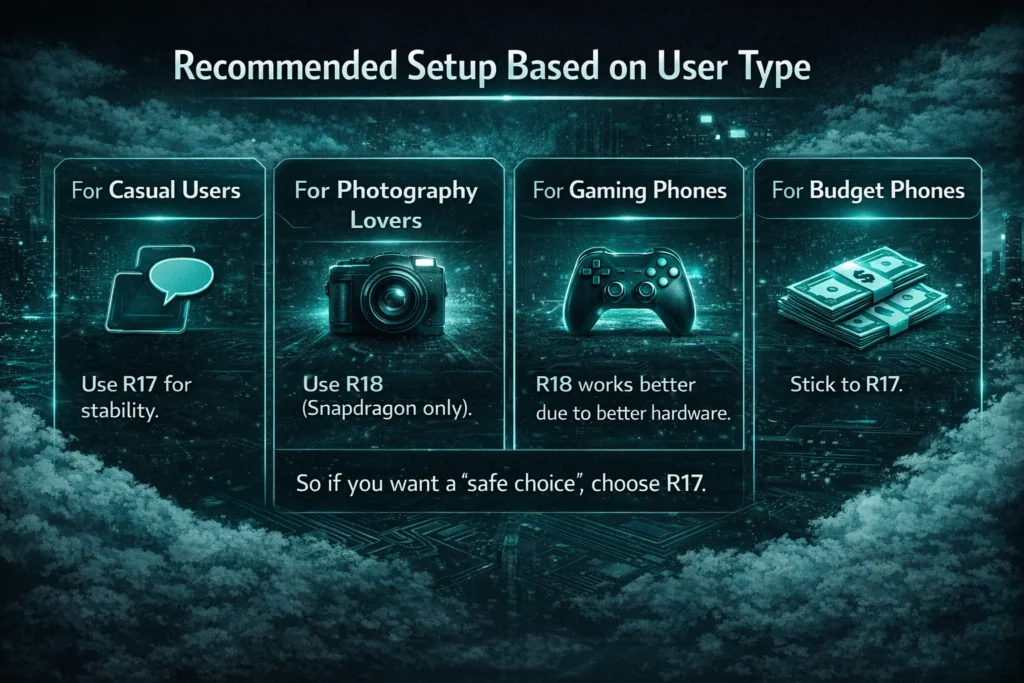
Recommended Setup Based on User Type
For Casual Users
Use R17 for stability.
For Photography Lovers
Use R18 (Snapdragon only).
For Gaming Phones
Try R18; many gaming phones use high-end Snapdragon chips.
For Budget Phones
Stick to R17.
Final Verdict – Which LMC 8.4 Is Best?
In short:
R18 adds a newer interface and small refinements; R17 is the common choice for stability.
Instead of blindly installing the latest version, understand your processor and Android version first. Stability always matters more than features. The best version depends on your device hardware, not just the release number. Always test both versions and choose the one that works smoothly without crashes.