Top Hidden Features in LMC 8.4 APK You Should Try
Most people install LMC 8.4, load a config and never open the settings. The settings, though, hold several useful options that are easy to miss: HDR frame count, the patcher’s noise and detail controls, per-lens tuning, AWB model selection and settings export. This article explains what each one does, which release added it (from the developer’s release notes) and when to change it.
Menu names and positions change between releases, so if you cannot find an option, check that you are on a release that includes it. Change one setting at a time and compare the same scene before and after.
If you do not have it yet, see our LMC 8.4 download and setup guide.
Why LMC 8.4 APK Is Different from Regular Camera Apps
Stock camera apps hide their processing. LMC 8.4, a Google Camera 8.4 port by the modder Hasli, exposes many internal parameters, so you can change how the camera handles noise, sharpening, tone and white balance.
That is also why the same app looks very different from one phone to the next: most of the result comes from the settings, which is what configs package up.
Advanced HDR+ Control for Balanced Photos
HDR+ merges a burst of frames. LMC 8.4 lets you change how many frames it captures; R16 added frame count selection for ZSL and HDRNet processing.
More frames usually mean less noise and better shadow detail, but slower processing and more risk of ghosting with moving subjects. If the app freezes after each shot, lower the frame count (for example from 15 to 7–9). If night shots are noisy on a tripod, raise it.
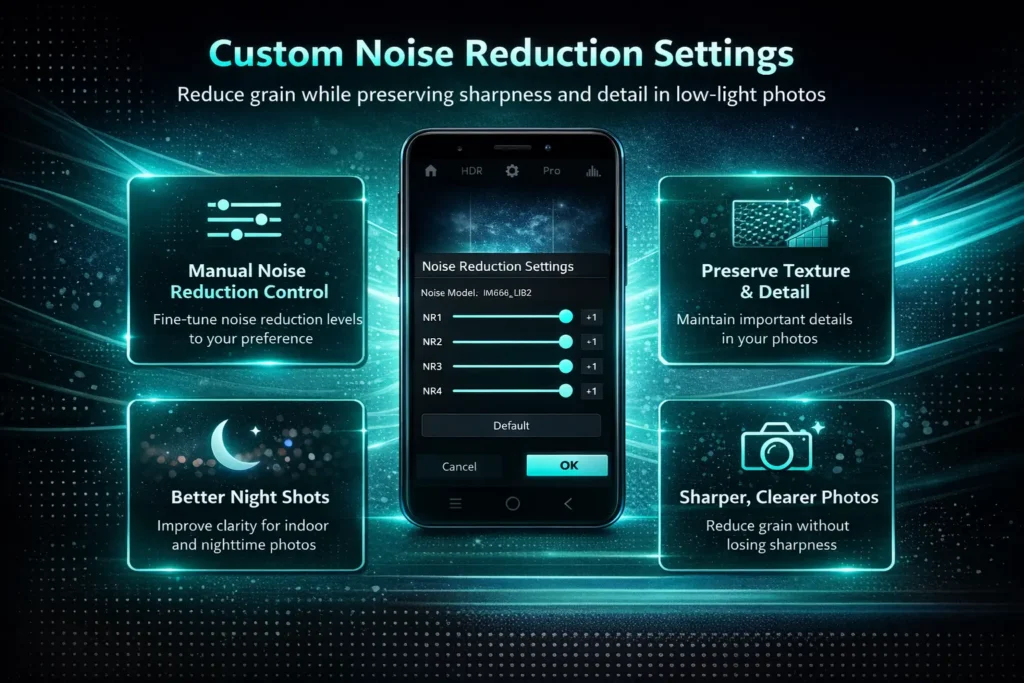
Custom Noise Reduction Settings
The patcher controls how aggressively noise is removed. Too much gives a smeared, “oil painting” look; too little leaves grain.
Options include luma and chroma noise settings and the Sabre merge options (SABER 3 was added in R8; R17 added Sabre noise reduction to the TEST patcher). R18 can also load custom noise models, which needs an app restart. If faces look plastic, reduce luma noise reduction first.
Enhanced Night Sight Adjustments
Night Sight uses the same merge pipeline, so the frame count and noise settings above also affect night shots.
R16 also added an HDR effect item to the exposure compensation menu. For night scenes, lowering exposure slightly often keeps light sources from blowing out, and you can brighten shadows afterwards if you save RAW.
Manual ISO and Exposure Control
LMC 8.4 is mainly automatic, but it has more manual control than stock Google Camera. The exposure slider sits in the viewfinder (R18 made it full height on the left side), and some modes offer shutter speed selection; R13 Fix 2 added ISO100, Max.Time and Max.ISO options.
Lower ISO is cleaner in daylight; higher ISO brightens dark scenes with more noise. Use exposure compensation to brighten or darken before taking the shot.
XML Configuration File Support
A config is an export of all LMC settings, made by another user for a specific phone model. Configs go in the /LMC8.4/ folder in internal storage; double-tap the dark area beside the shutter button to open the import/export dialog.
The easily missed part is export: once your phone looks right, export your settings from the same dialog. If something breaks later, you can reload them in seconds.
You can also explore the best LMC 8.4 XML configs to instantly optimize your camera settings.
Advanced Color Correction Controls
White balance is decided by an AWB model. LMC 8.4 lets you choose which one to use, and R18 can load custom white balance models.
If photos have a green or pink cast, switching the AWB model is often the quickest fix. Test under both daylight and indoor light, because a model that suits one can be wrong in the other.
Sharpness and Detail Adjustment Options
The patcher has separate controls for sharpening and fine detail (R17 added Radius Gain, which only works when Sharp Gain is above zero).
If edges show white halos, reduce sharpening. For landscapes you can add a little; for portraits, less usually looks better.
Portrait Mode Depth Customization
LMC 8.4 keeps separate settings for each lens (R8 added copying the main settings across lens profiles), so a config can tune the ultrawide or front camera differently from the main camera.
For portraits, R15 added an edge enhancement option for front cameras. If one lens has a colour cast or crashes, look at that lens’s own settings rather than the global ones.
Video Recording Improvements
Video options are limited by what your phone allows third-party apps to use, but there are a few settings worth knowing about.
R9 added a Live Photo option in the video section. R15 disabled HEVC encoding by default; turn it back on if you want smaller files and your phone supports it. R16 added viewfinder resolution switching, and R18 a viewfinder frame rate setting, which can help if the preview stutters.
Astrophotography Mode for Night Sky Shots
Astrophotography is part of Night Sight and starts only when the phone is completely still.
Use a tripod, a dark sky and several minutes. R15 turned on night-mode sky detection by default in ZSL/HDR+ modes. Results are limited by your sensor.
Summary
The most useful settings to know are the HDR frame count, noise and sharpening in the patcher, AWB model selection, per-lens settings and config export.
Change one thing at a time, compare with a test shot, and export your settings once you are happy. Not independently tested by our team on specific devices: the effect of each setting depends on your phone.
For shooting advice rather than settings, see our LMC 8.4 tips and tricks, and for common errors the troubleshooting guide.