Best Settings for LMC 8.4 APK for Low Light Photography
For low light in LMC 8.4, the settings that matter most are: use Night Sight rather than the normal photo mode, keep the phone as still as possible (ideally on a support), lower exposure slightly so lights do not blow out, and load a config made for your phone so noise reduction and white balance suit your sensor. The sections below explain each one and when to change it.
If you have not installed it yet, see our LMC 8.4 download and setup guide. Menu names differ between releases, and the effect of each setting depends on your phone; these recommendations have not been independently tested by our team on specific devices.
Why Low Light Photography Is Challenging
In dim light the sensor collects less signal, so the camera must choose between longer exposures (risking blur), higher gain (more noise) or merging many frames. Night Sight uses the third approach, which is why it is the main tool for low light in LMC 8.4.
Understanding the Key Features of LMC 8.4 APK
LMC 8.4 is mostly automatic. You control it through Night Sight, the exposure slider, a few shutter speed options, and the processing settings in the patcher (noise, sharpening, HDR frame count, AWB model).
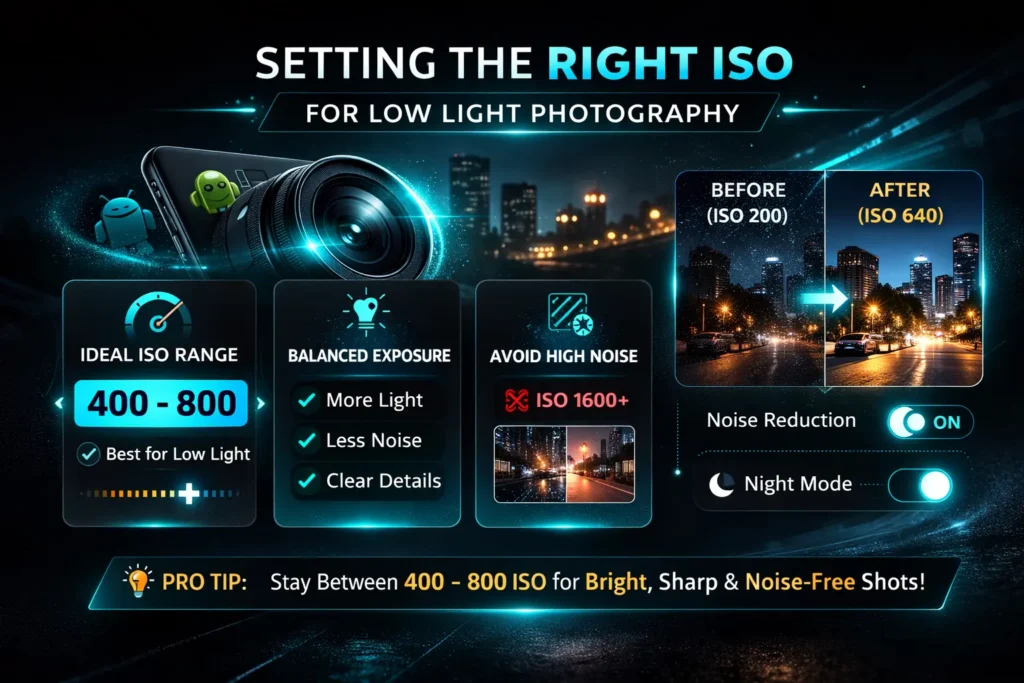
ISO and Shutter Speed Limits
Night Sight chooses ISO automatically, and in most cases you should let it. R13 Fix 2 added shutter speed options including ISO100, Max.Time and Max.ISO; “Max.Time” favours long frames (good on a tripod), while higher ISO limits favour short frames (better handheld). Handheld, leave it on auto. On a tripod, try a longer maximum time.
Frame Length and Motion Blur
Longer frames collect more light but blur if the phone or subject moves. Night Sight shortens frames automatically when it detects hand shake and lengthens them on a tripod. For moving subjects, use normal photo mode with HDR+ instead, which uses short frames.
Optimizing Focus and Exposure
Autofocus can hunt in the dark. Tap on a bright or high-contrast point to focus. For exposure, LMC 8.4’s slider is in the viewfinder (full height on the left in R18). At night, a small negative exposure adjustment often helps, because it keeps street lights and signs from blowing out; you can brighten shadows later, especially from a RAW file.
Utilizing Noise Reduction Features
Noise reduction lives in the patcher and is normally set by your config. If night shots look smeared or waxy, reduce luma noise reduction; if they look blotchy with coloured specks, increase chroma noise reduction. Raising the HDR frame count on a tripod also reduces noise.
Choosing the Right White Balance
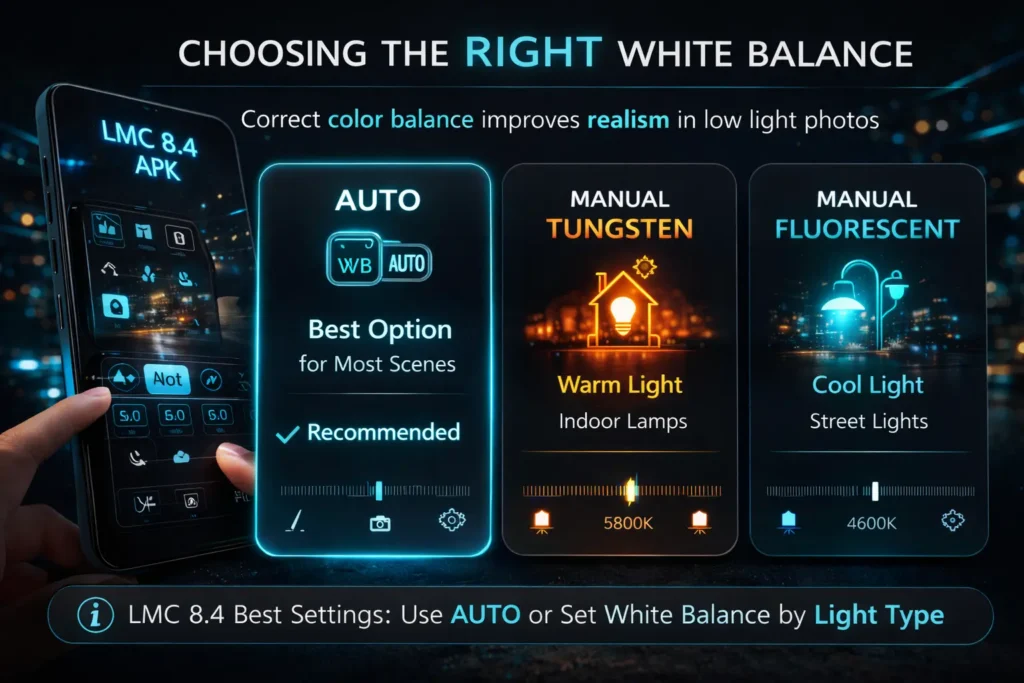
Under street lights and indoor lamps, white balance errors show as yellow, green or magenta casts. LMC 8.4 lets you choose the AWB model; if night shots have a cast, try a different model before changing colour settings. Some casts are intentional: warm light looks warm.
Using HDR Mode for Enhanced Detail
Night Sight and HDR+ both merge frames. In moderately dim light with people moving, HDR+ Enhanced in photo mode is often better than Night Sight because it uses shorter frames. In very dark scenes with a still subject, use Night Sight.
Importance of Tripod or Stabilization
Stability matters more than any setting. Brace your elbows, lean against a wall or rest the phone on something solid. On a tripod, Night Sight uses longer frames and, in very dark scenes, switches to astrophotography.
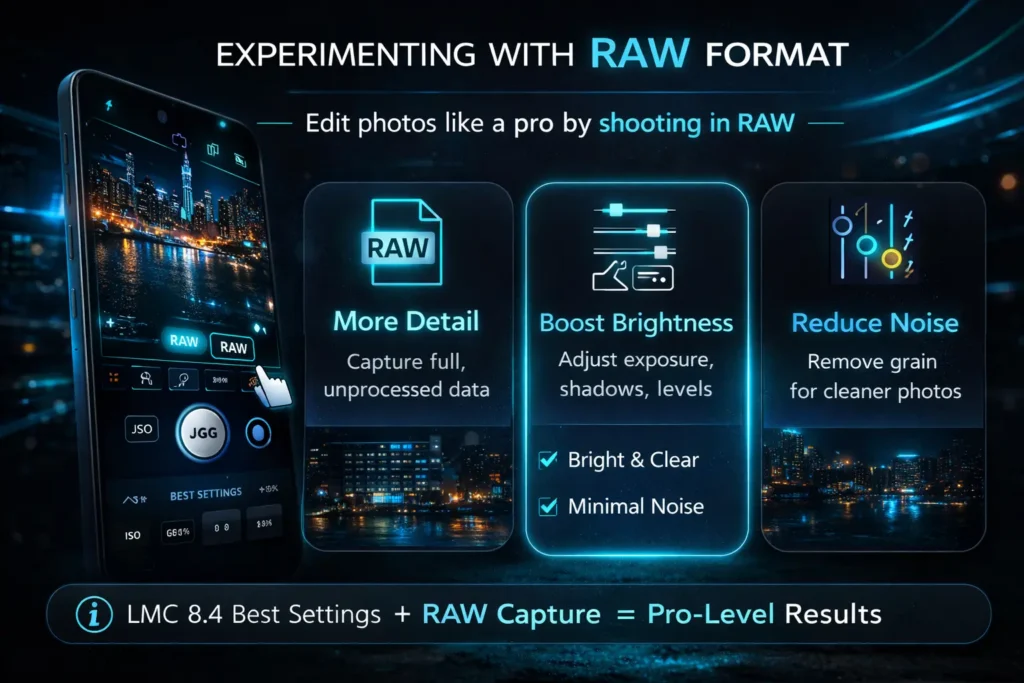
Experimenting with RAW Format
Enable RAW (DNG) saving if you edit your photos. At night, RAW gives you more room to lift shadows and fix white balance without the processing baked into the JPEG.
Testing and Fine-Tuning Settings
Test in one place: take the same dim scene with default settings, then with one change at a time (exposure, frame count, noise, AWB model). When you are happy, export your settings from the config dialog so you can restore them.
Conclusion
In short: use Night Sight for still scenes and HDR+ for moving subjects, keep the phone steady, lower exposure slightly to protect highlights, and let a config for your phone handle noise and white balance. Change one setting at a time and export what works.
Check out our guide on Best Config Files for LMC 8.4 APK to learn more camera setting!