
LMC 8.4 APK Camera Quality Test: How to Compare It With Your Stock Camera
Whether LMC 8.4 beats your stock camera depends on the phone, so the most useful test is one you run yourself. This page gives a repeatable method: which scenes to shoot, what to look at, and the results GCam users commonly report. We have not yet published our own side-by-side test photos, and nothing on this page is presented as a measured result from our team.
What You Are Testing
LMC 8.4 is a Google Camera 8.4 port by the modder Hasli. It brings HDR+ and Night Sight processing to non-Pixel phones and can be tuned with XML configs. Before testing, install it, load a config for your phone if one exists, and use the same resolution and aspect ratio in both apps.
How to Set Up a Fair Test
Set-up for a fair test: use a tripod or rest the phone on something solid, shoot each scene with both apps within a minute of each other, turn off beauty and AI scene modes in the stock app, and compare the files at 100% on a computer rather than on the phone screen.
Test 1: Sharpness and Detail
Test 1, detail: photograph a scene with fine texture (brickwork, foliage, printed text) in good light. Look for real detail versus sharpening halos. Stock apps often sharpen more; LMC 8.4 often keeps finer texture but looks softer at first glance.
Test 2: Low-Light Performance
Test 2, low light: photograph a dim room or street using Night Sight in LMC 8.4 and the night mode in the stock app. Compare shadow noise, colour and whether light sources are blown out. This is where users most often report a clear LMC 8.4 advantage on mid-range phones; recent flagships’ own night modes can match it.
Test 3: Dynamic Range and Colour
Test 3, dynamic range and colour: shoot a backlit subject or a room with a bright window. Check whether the sky or window keeps detail and whether the shadows are noisy. Also note colour: some configs give warmer or “Leica-style” tones, which is a matter of taste, not accuracy.
Test 4: Portrait Mode and Depth
Test 4, portrait: photograph a person against a busy background. Look at hair, glasses and the gap between arm and body, where depth errors show.
Test 5: Speed and Reliability
Test 5, speed and reliability: take ten quick shots in a row with each app and note shutter lag, processing time and any crashes. Stock apps are usually faster.
For shooting advice, see our tips and tricks for LMC 8.4.
Test 6: Default Settings vs a Config
Test 6, configs: repeat Tests 1–3 with the default settings and with a config for your phone. The difference between configs is often larger than the difference between releases.
Check out the Best Configs for LMC 8.4 APK.
What Results Usually Look Like
What results usually look like: on mid-range phones GCam users commonly report better dynamic range and night shots from LMC 8.4, with slower processing. On flagships the stock camera often wins on speed, video and zoom. Compatibility and stability vary from model to model.
Keep Your Test Files
If you run these tests, keep the original files. Side-by-side crops of the same scene are the only reliable way to judge.
Pros and Cons
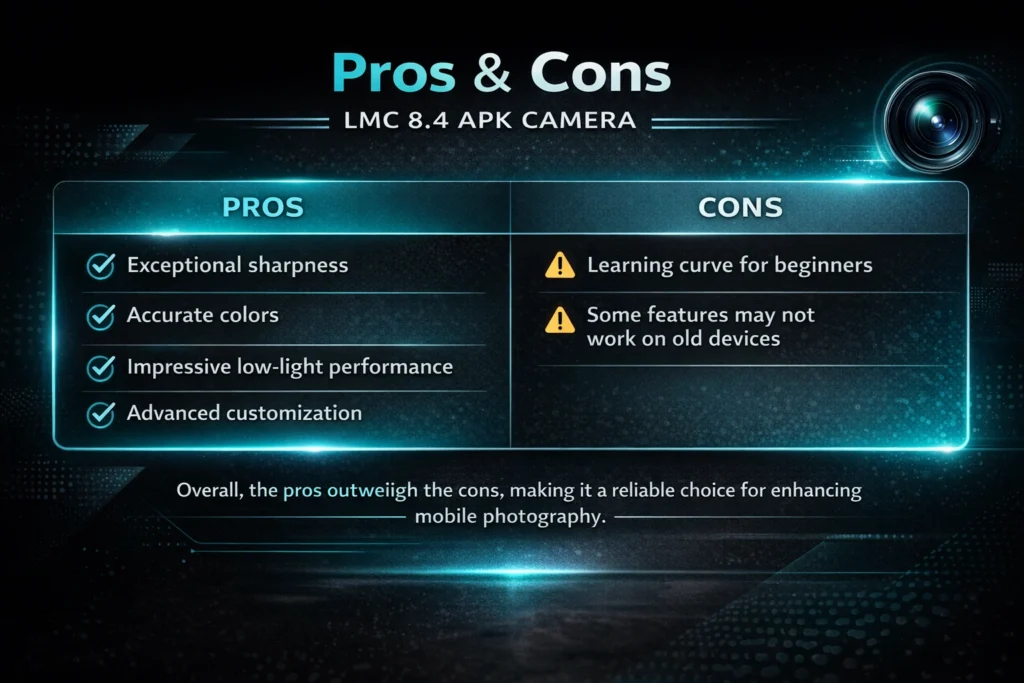
Typical strengths: dynamic range, low light, natural texture and configurable colour. Typical weaknesses: slower processing, less reliable video, lens support that depends on the phone, and the risk that comes with any sideloaded APK.
Conclusion
LMC 8.4 can give better photos than a stock camera, but not on every phone or in every scene. Run the six tests above on your own phone and keep whichever app wins the scenes you shoot most.